WoiceAI 2.0
Build assistants with your own knowledge
Turn documents, websites, audio and video into searchable knowledge. Build assistants that answer with sources, then connect them to visual workflows.
Get startedExplore the platform
See what each part of WoiceAI does and find its guide.
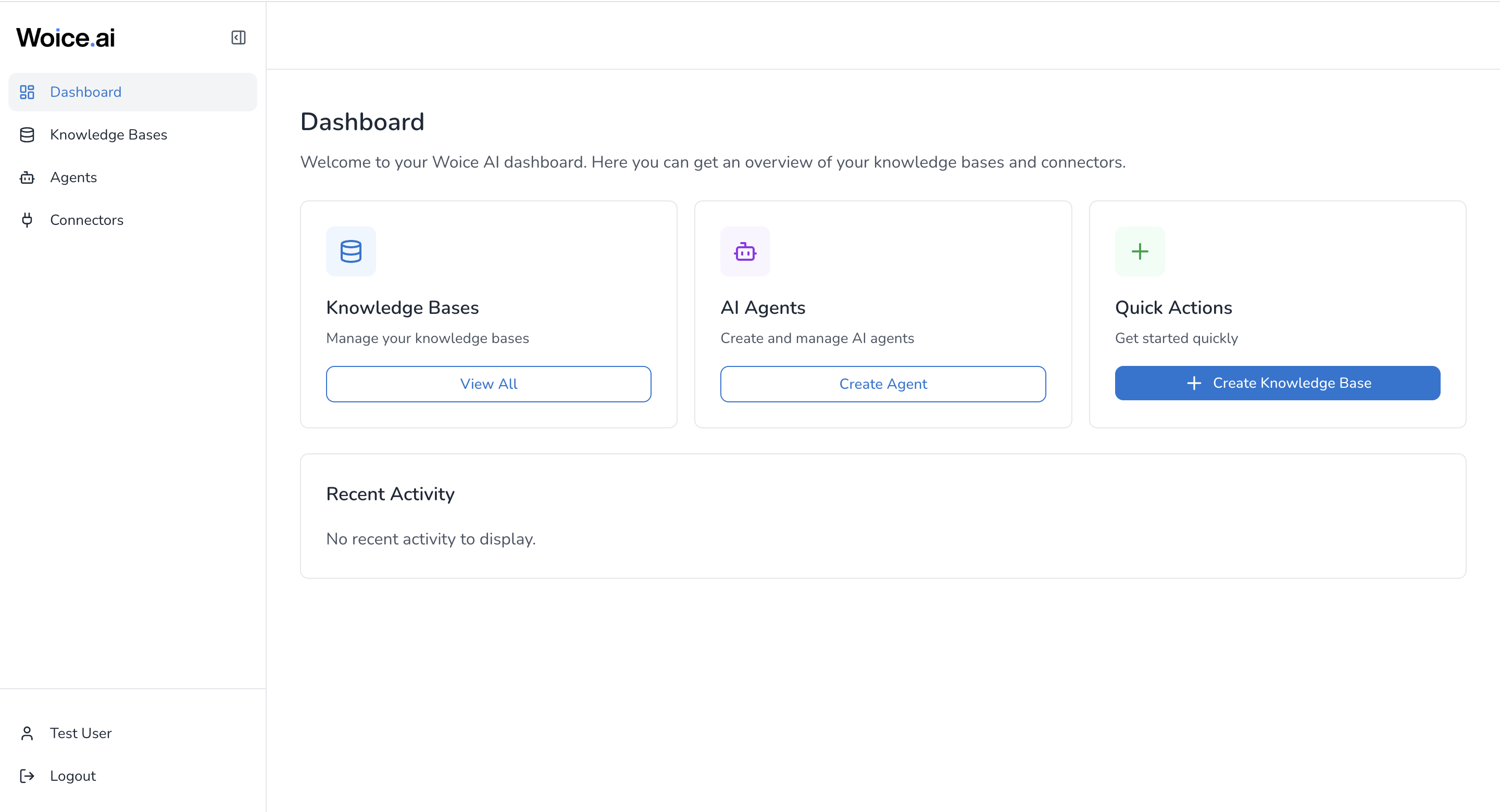
Dashboard
Find your knowledge bases and agents in one place. Use quick actions to create a knowledge base or open the agent builder.
Read the guide to Dashboard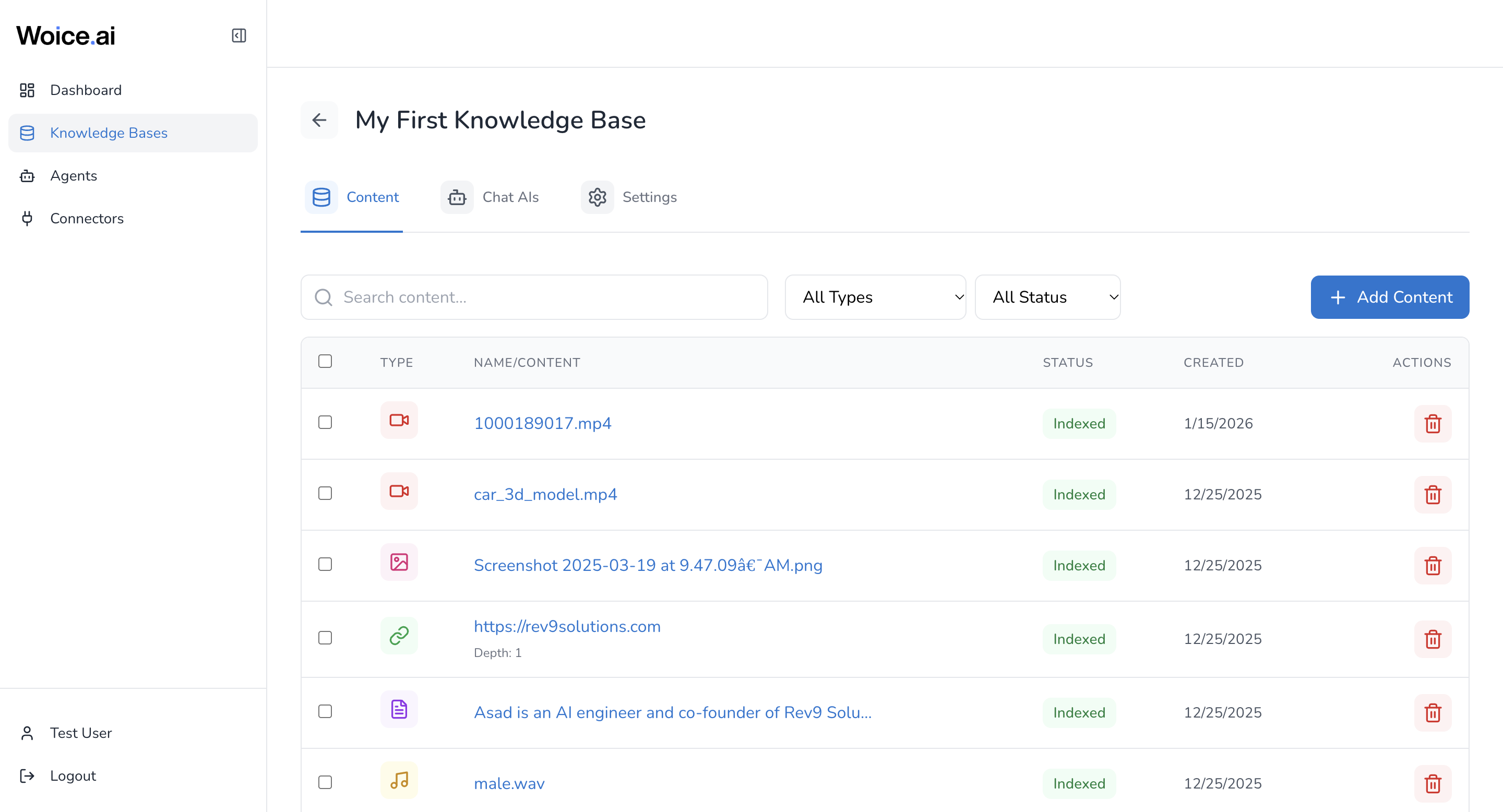
Knowledge bases
Add documents, text, websites and media to a knowledge base. Track indexing progress and inspect the content your assistants can retrieve.
Read the guide to Knowledge bases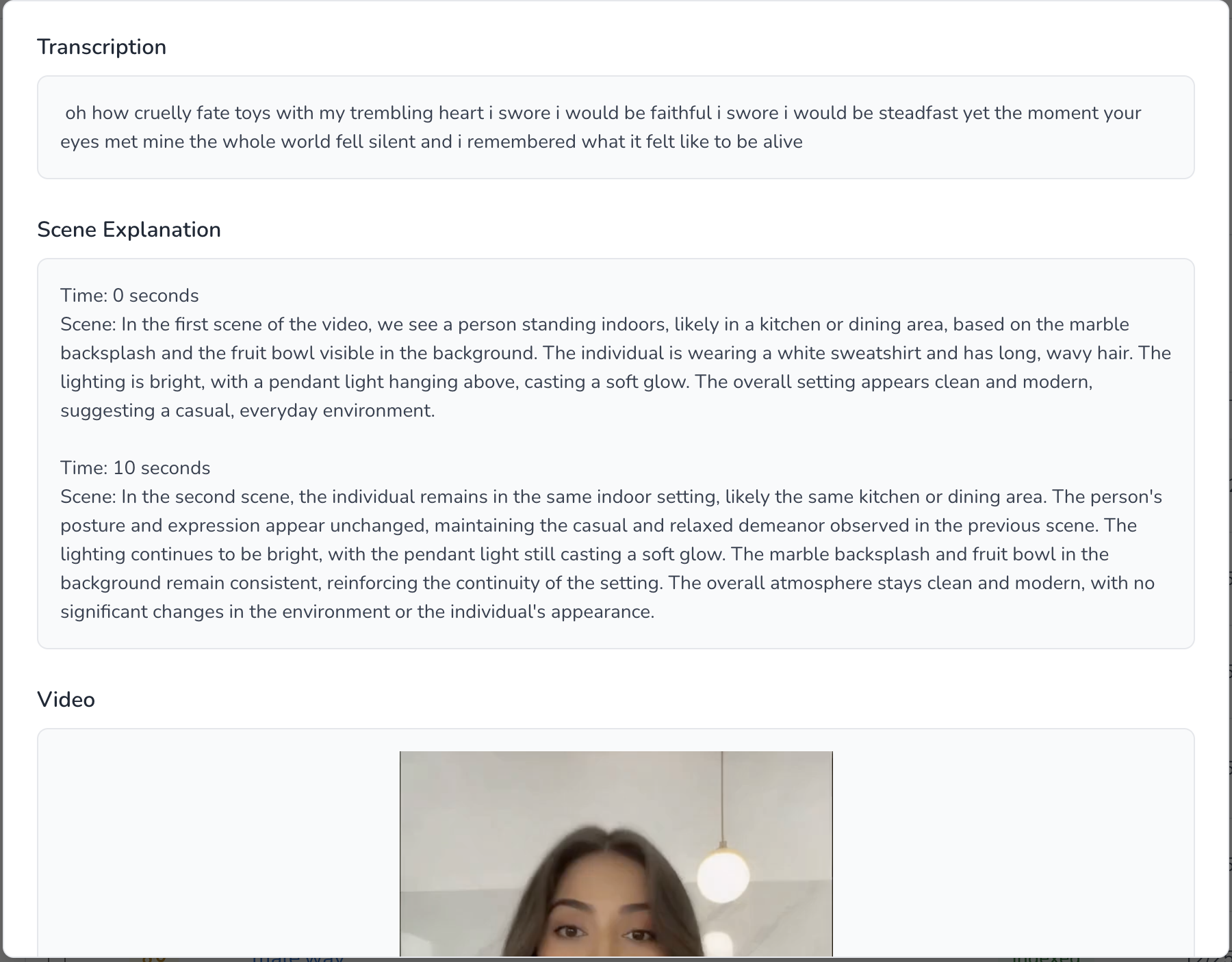
Media transcription and analysis
Turn speech, images and video scenes into searchable content. Review transcripts and visual descriptions alongside the original source.
Read the guide to Media transcription and analysis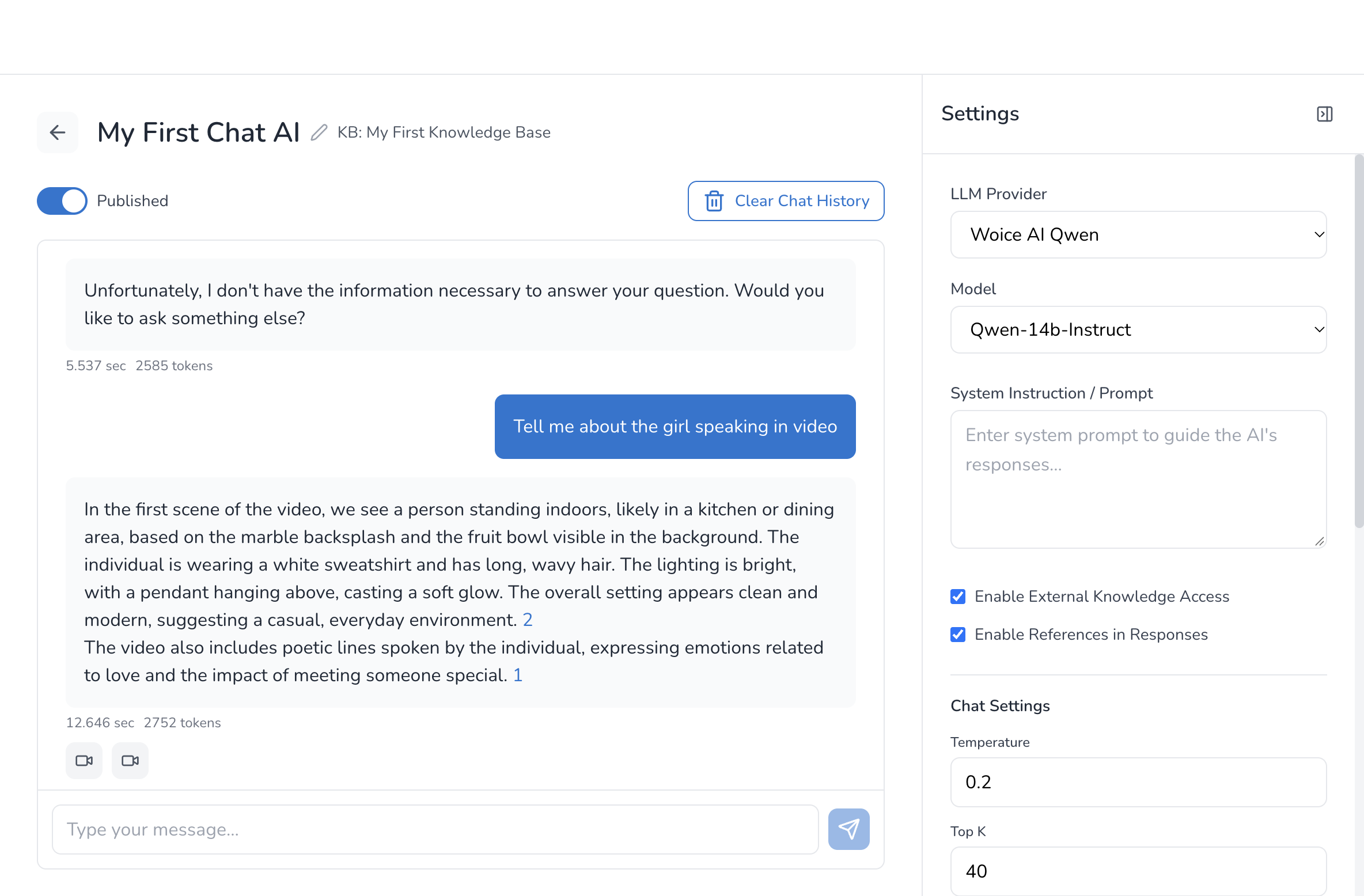
Chat assistants
Ask questions about indexed content, follow source references and continue the conversation with follow-up questions.
Read the guide to Chat assistants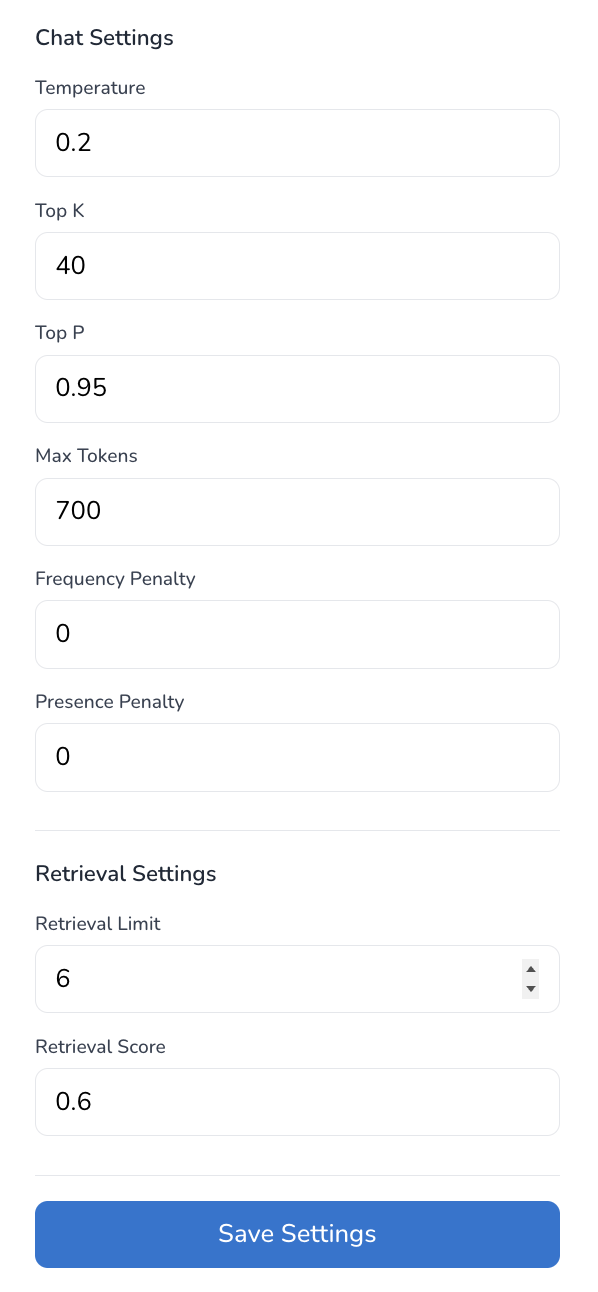
Assistant settings
Set instructions, tune retrieval and generation, and choose whether the assistant includes references in its answers.
Read the guide to Assistant settings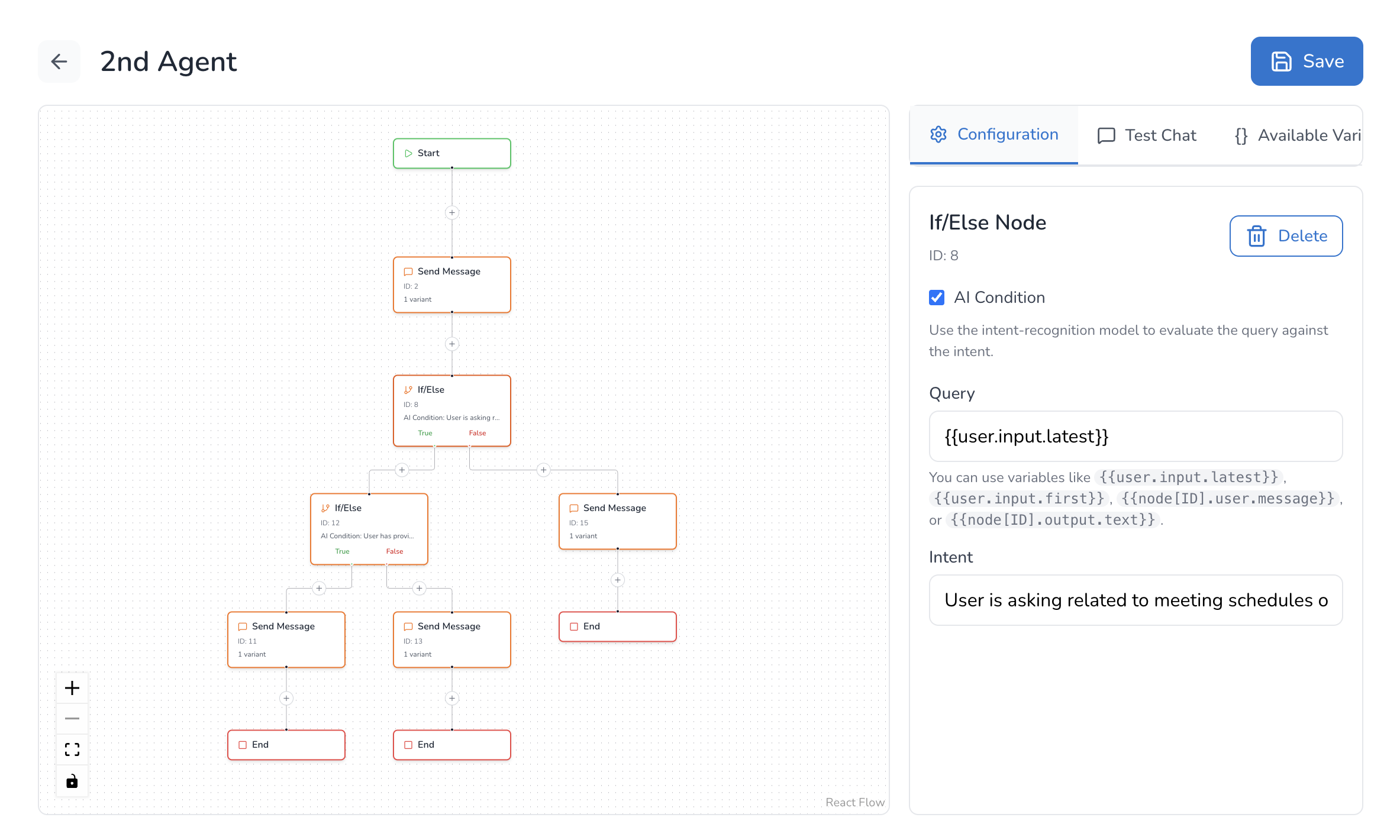
Agent builder
Connect messages, questions, branches and Chat AI nodes on a visual canvas. Test how an agent follows the workflow and responds to users.
Read the guide to Agent builder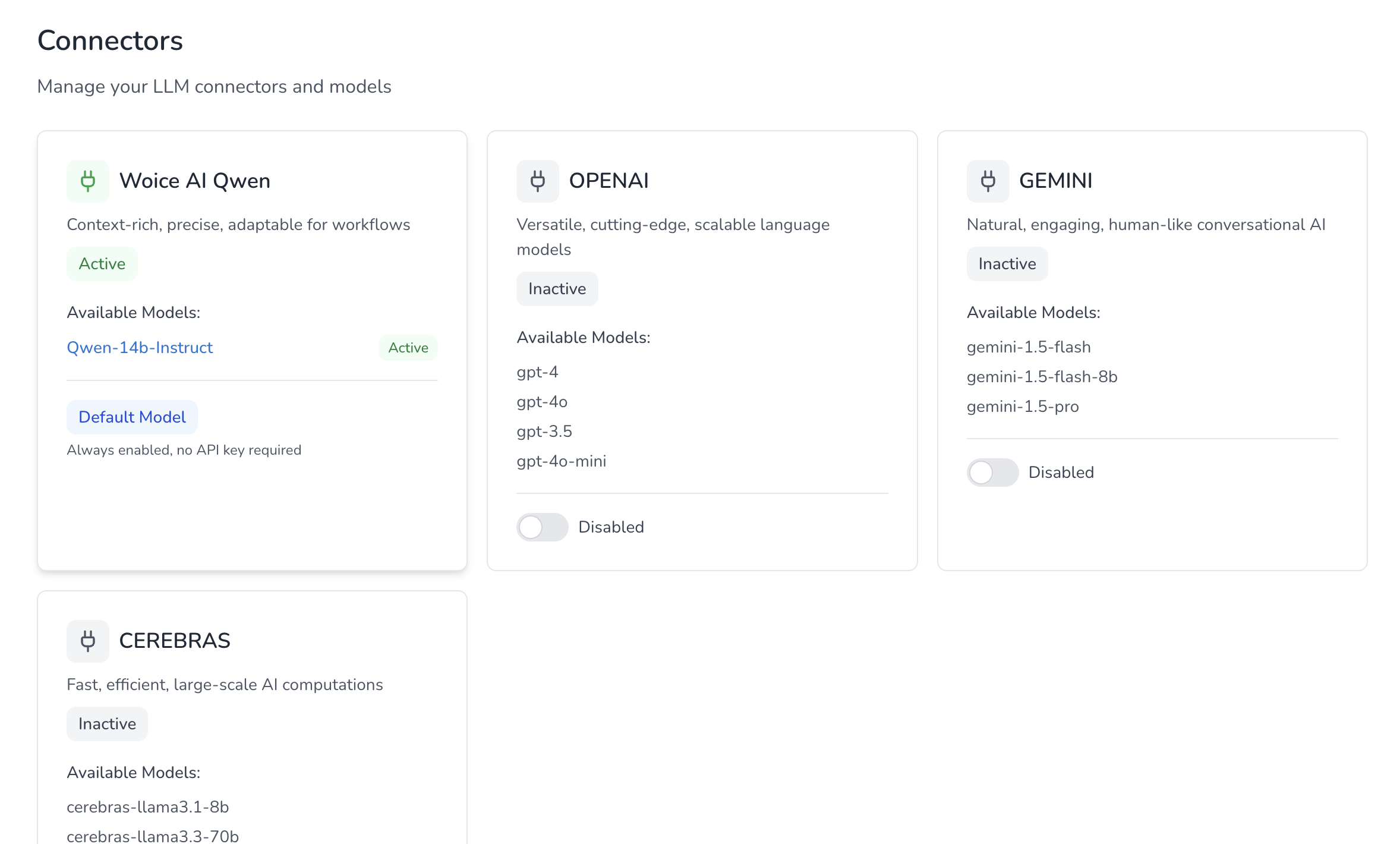
Model connectors
Use the built-in WoiceAI model or configure an optional provider through Connectors. The chat guide explains each provider’s backend requirements.
Read the guide to Model connectors